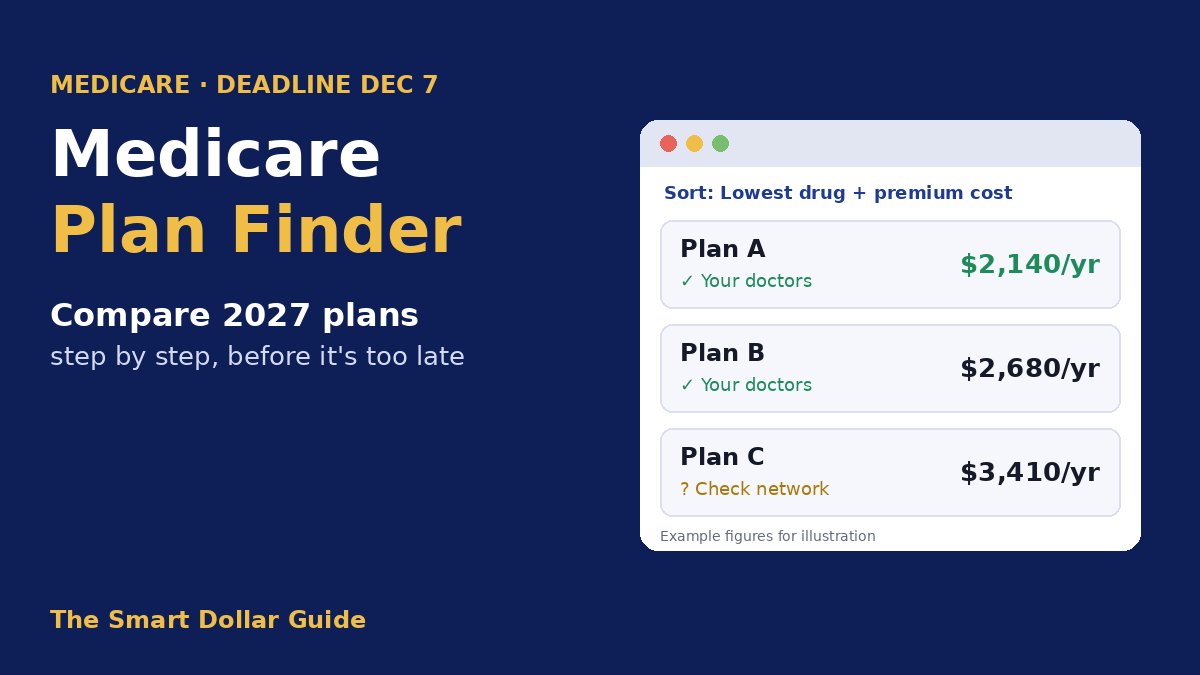
Medicare Open Enrollment ends on Monday, December 7, 2026, and the fastest way to compare 2027 plans is the free Medicare Plan Finder on Medicare.gov. This year the tool shows more than ever: every type of licensed provider in a plan’s network, hospitals and nursing homes, extra benefits and links to each plan’s official documents. But it still has blind spots that can cost you money or your favorite doctor. This guide walks you through the tool screen by screen and shows you what to double-check before you click “Enroll.”
What’s New in Medicare Plan Finder for 2027
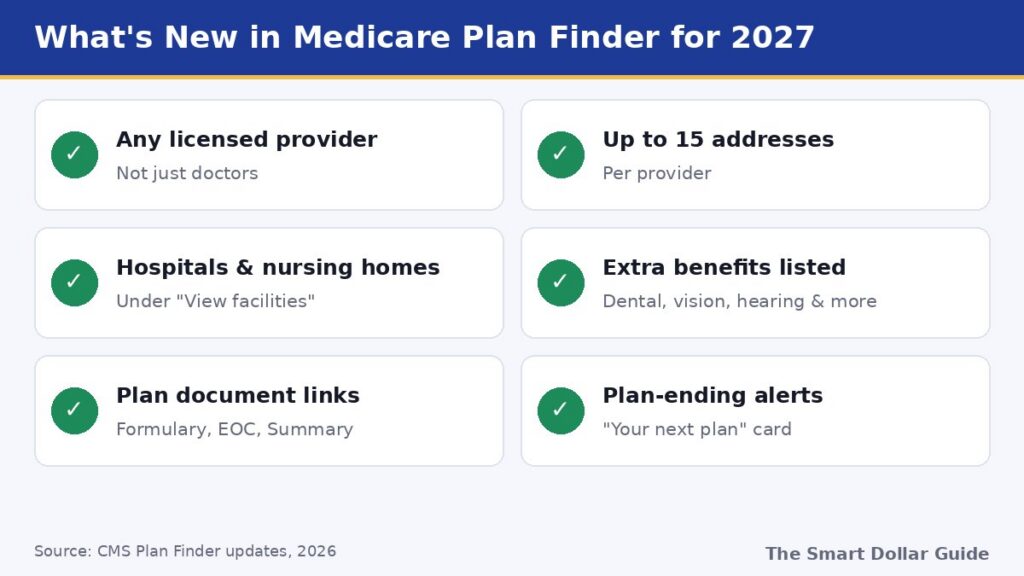
CMS updated the Medicare Plan Finder several times in 2026. These are the changes that matter most when you compare plans for 2027:
| New feature | Why it helps |
|---|---|
| Search any licensed provider, not just doctors | Check therapists, specialists and other providers in a Medicare Advantage network |
| Up to 15 addresses per doctor | A doctor can be in network at one office but not another |
| Hospitals and nursing homes under “View facilities” | See which facilities a plan uses before you need one |
| Extra benefits on the plan details page | Shows which of more than three dozen extras (dental, vision, hearing and more) each plan covers |
| Links to the formulary, Evidence of Coverage and Summary of Benefits | Read the official rules without searching the insurer’s website |
| Plan-ending alerts and a “Your next plan” card | Warns you if your current plan is ending or leaving your area |
| Drug frequency alerts | Flags when a plan won’t cover a drug at the frequency you take it |
Provider data for 2027 now comes straight from Medicare Advantage insurers and is checked by CMS, instead of from an outside data company. That should improve accuracy, but CMS itself warns that some directory information may still be wrong, especially in the first year.
Before You Start: A 10-Minute Prep List
Gather these first so you can finish in one sitting:
- Every prescription, with the exact name, strength and how often you take it. Use your pill bottles, not memory.
- Your doctors and specialists, including the office address you actually visit.
- One or two pharmacies, plus whether you’d use mail order.
- Your Annual Notice of Change, the letter your plan sent in September listing next year’s changes.
- Your Medicare card, if you want to log in and save your results.
How to Use the Medicare Plan Finder, Step by Step
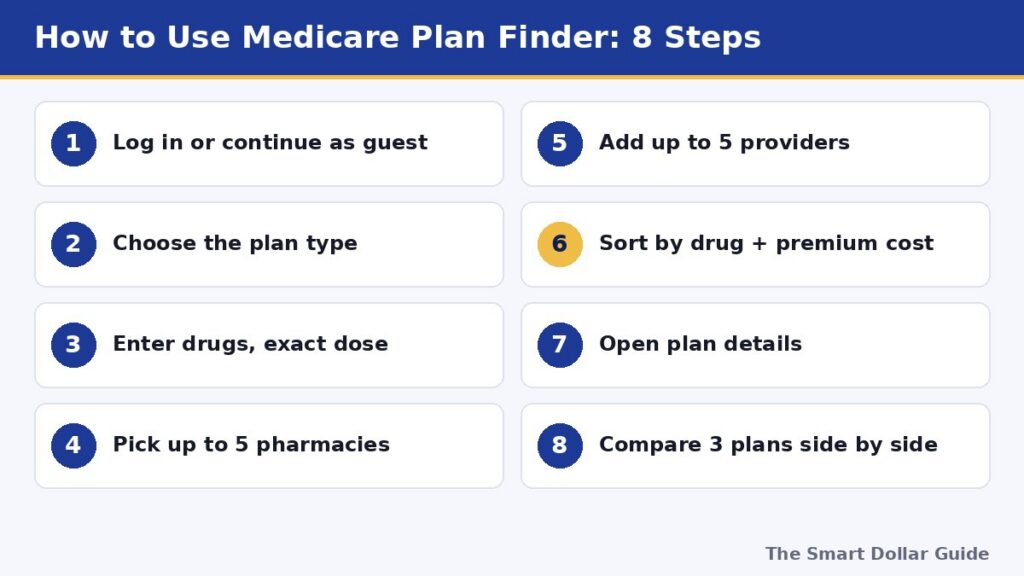
Step 1: Log in or continue as a guest
Go to the official Medicare Plan Finder. You can search without an account, but logging in lets you save your drug list and see your current plan. Creating an account needs your Medicare number and an identity check, so allow a few extra minutes the first time.
Step 2: Choose the plan type
Pick Medicare Advantage (usually includes drug coverage), Part D drug plan (to pair with Original Medicare) or Medigap. If you’re unsure which path fits you, read our Medicare Open Enrollment 2027 guide first, which compares Original Medicare and Medicare Advantage.
Step 3: Enter your drugs exactly
Type each drug and choose the exact strength, form and quantity. A wrong dose or a 30-day supply when you get 90 days can change the cost estimate by hundreds of dollars. New this year, the Medicare Plan Finder flags plans that don’t cover the frequency you entered.
Step 4: Pick your pharmacies
The Medicare Plan Finder lets you choose up to five pharmacies, including mail order. Prices often differ between “preferred” and standard pharmacies in the same plan, so compare at least two.
Step 5: Add your providers
For Medicare Advantage, add up to five must-have providers to the Medicare Plan Finder. You can then sort or filter plans by whether those providers are in network. Choose the correct address for each one.
Step 6: Sort by total cost, not premium
Sort the Medicare Plan Finder results by “Lowest drug + premium cost.” This yearly estimate is far more useful than the monthly premium. A $0-premium plan can easily cost more once your drugs are counted.
Step 7: Open the plan details
For your top choices, open “Plan details” and check:
- The maximum out-of-pocket limit for medical care (Medicare Advantage)
- Copays for specialists, hospital stays and outpatient surgery
- The drug deductible (up to $700 in 2027) and which drug tiers it applies to
- Star rating, extra benefits and the linked plan documents
Step 8: Compare up to three plans side by side
Use the “Add to compare” button to line up three plans. Write down or save the plan names and ID numbers so you can confirm details by phone.
5 Blind Spots in the Medicare Plan Finder
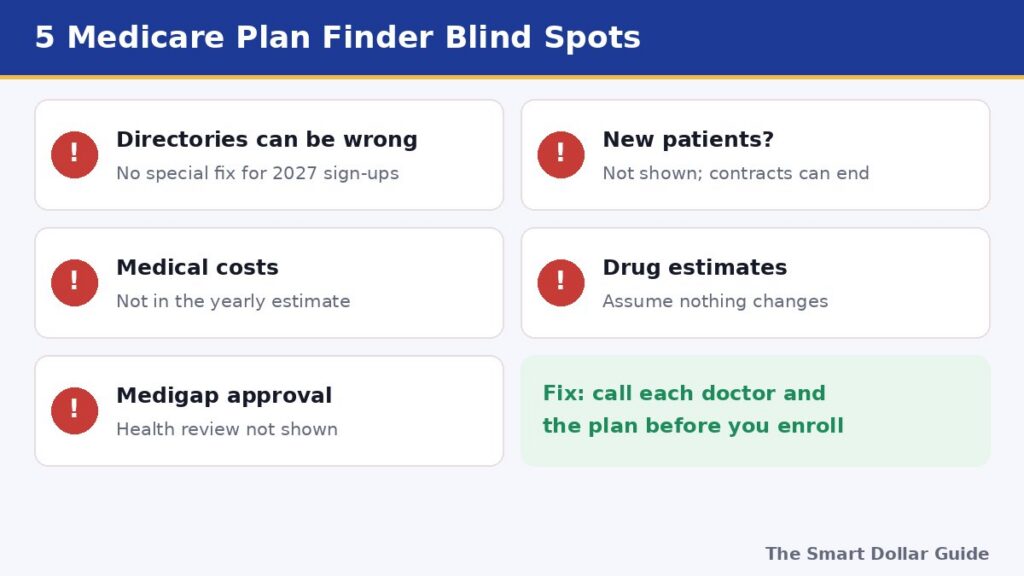
The tool is a starting point, not the final word. Watch for these gaps:
- Directories can be wrong. CMS warns that provider information may be incorrect. In 2026, people who picked a plan based on wrong Plan Finder directory data could switch plans later. CMS has said that special enrollment period won’t be available for 2027 sign-ups, so confirm your doctors yourself.
- It doesn’t show if a doctor is taking new patients, or when a doctor’s contract with the plan ends. A doctor can leave the network mid-year.
- Medical costs aren’t in the yearly estimate. The “drug + premium” number leaves out copays for doctor visits, hospital stays and tests. Look at the out-of-pocket limit to see your worst-case year.
- Drug estimates assume nothing changes. They assume you take the same drugs all year at today’s prices. A new diagnosis can change everything.
- Medigap pricing isn’t guaranteed. In most states, insurers can review your health and charge more or turn you down if you apply outside your first enrollment window. The tool doesn’t show whether you’d be approved.
KFF’s review of the provider search found that many plans still told users to contact the plan instead of listing providers, and that the side-by-side comparison doesn’t include networks. Read KFF’s analysis for details.
Double-Check Before You Enroll
Spend 20 more minutes confirming what the Medicare Plan Finder told you:
- Call each doctor’s office and give the exact plan name, not just the insurer. Ask: “Will you be in network for this plan on January 1, 2027?”
- Open the formulary link and check each drug’s tier and any prior authorization, step therapy or quantity limits.
- Call the plan to confirm your hospital and any specialist you see often. Note the date, the rep’s name and a call reference number.
- Save or print your comparison. If something goes wrong, a record helps when you call 1-800-MEDICARE.
Enrolling Through Medicare Plan Finder
When you’re sure, click “Enroll” on the plan. Joining a new Medicare Advantage or Part D plan usually ends your old plan automatically, and coverage starts January 1, 2027. Keep the confirmation number. One exception: if you leave Medicare Advantage for Original Medicare, you must also join a separate Part D plan if you want drug coverage.
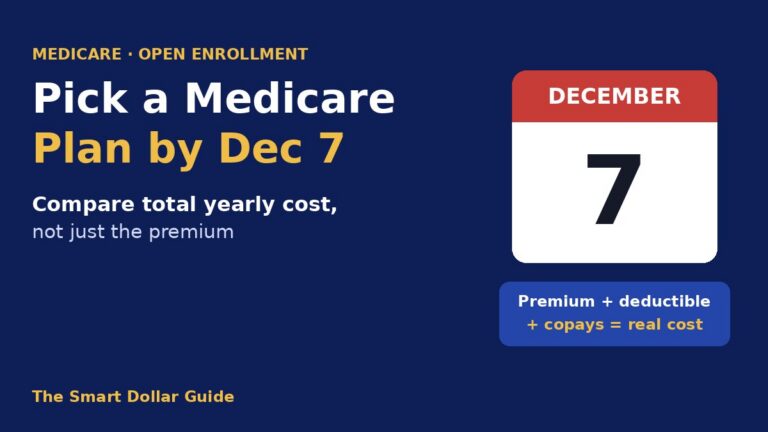
Watch the calendar. Enrollment through the Medicare Plan Finder must be finished by 11:59 p.m. on December 7. Don’t wait for the last evening, when phone lines are busiest.
What If You Miss December 7?
Your current plan usually renews automatically if it isn’t ending. If you’re in Medicare Advantage, you get one more switch between January 1 and March 31, 2027. For more on the limited second chances, and on how to avoid overpaying, see our guide on how to pick a Medicare plan without overpaying.
Also budget for higher 2027 costs: the Part D out-of-pocket cap rises to $2,400, and the Part B premium is projected at about $209.50 a month (CMS hadn’t announced the final figure when this was written). Your Social Security COLA for 2027 will cover part of the increase.
Final Thoughts
The Medicare Plan Finder is better for 2027 than ever, with wider provider search, facilities, extra benefits and direct links to plan documents. Use it to narrow your choices to two or three plans by total yearly cost, then confirm doctors, drugs and hospitals by phone before you enroll, because this year there’s no special fix if the directory was wrong. Finish before December 7, and keep your confirmation number. For more Medicare guides, visit our Medicare section.
Disclaimer: This article is for general information only and is not insurance advice. Plan Finder features and Medicare figures are as of November 2026; Part B amounts for 2027 are projections. For free one-on-one help, contact your State Health Insurance Assistance Program (SHIP) or call 1-800-MEDICARE.
Frequently Asked Questions
When does Medicare Open Enrollment end?
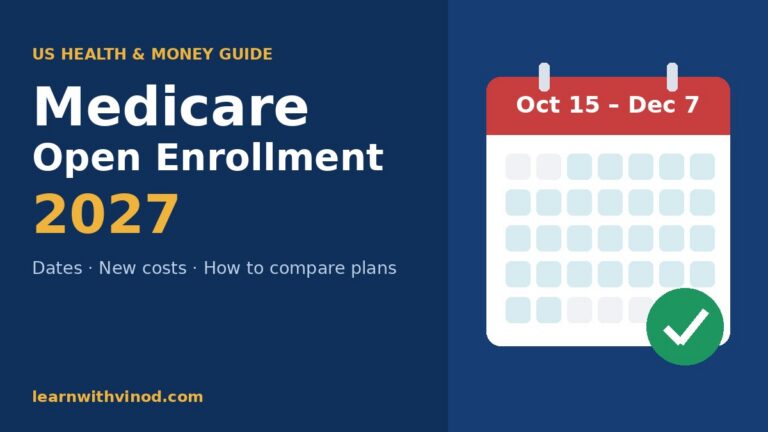
Medicare Open Enrollment for 2027 coverage ends on Monday, December 7, 2026. Changes you make take effect January 1, 2027.
Do I need an account to use Medicare Plan Finder?
No. You can search as a guest. Logging in with a Medicare.gov account lets you save your drug list and results, and it requires your Medicare number and an identity check.
What's new in Medicare Plan Finder for 2027?
You can search any licensed provider, see up to 15 addresses per provider, find hospitals and nursing homes, view extra benefits, open plan documents directly and get alerts if your plan is ending.
Is the provider directory in Plan Finder accurate?
Not always. CMS warns some information may be wrong, and the special enrollment period for people who relied on wrong directory data in 2026 won’t be offered for 2027 sign-ups. Call your doctors to confirm.
How many plans can I compare at once?
You can compare up to three plans side by side. Sort results by lowest drug plus premium cost first to narrow your list.
What if I miss the December 7 deadline?
Your current plan usually renews. If you’re in Medicare Advantage, you can switch once between January 1 and March 31, 2027.
Sources
- Medicare.gov – Medicare Plan Finder
- CMS – Medicare.gov Plan Finder updates (2026)
- KFF Health News via DNyuz – Finding Medicare Advantage providers for 2027 is easier but not flawless (Oct 14, 2026)
- KFF – Is Medicare's new provider search tool a step in the right direction?
- AARP – Medicare Part B premium 2027 (Trustees projection)