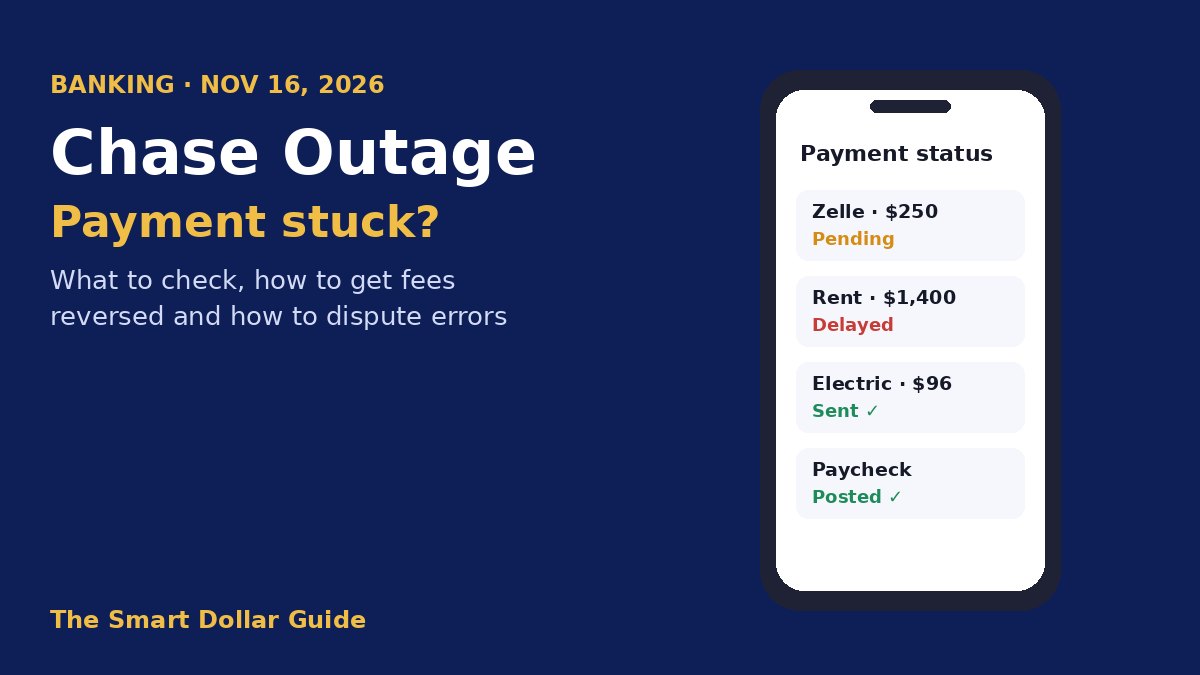
On Monday, November 16, 2026, a Chase outage left thousands of customers unable to log in, finish transactions or send Zelle payments for several hours. Chase blamed a software bug in its own hardware, said it was not a cyberattack, and said transactions were posting normally again by about 6:30 p.m. ET. But “posting normally” doesn’t mean every delayed payment has landed. If you sent money, paid a bill or expected a deposit that day, this guide walks you through what to check, payment by payment, and how to get late fees reversed.
What Happened in the Chase Outage
| Item | What we know |
|---|---|
| Date | Monday, November 16, 2026 |
| Peak problem reports | About 5,000 on Downdetector, early afternoon ET |
| What failed | App and website logins, slow or stuck transactions, some branch systems, delayed Zelle payments |
| Cause (per Chase) | A software bug in an on-premise hardware system; “not cyber related” |
| Fixed | Chase said transactions were posting normally by about 6:30 p.m. ET |
| Other banks | Some Bank of America, Wells Fargo and U.S. Bank customers saw delays on payments involving Chase |
Chase said customers kept access to their accounts and funds, though many people on social media reported they couldn’t log in or withdraw money. Other banks were affected only when a payment went to or from a Chase account. Zelle said its own network wasn’t down; the delays came from the bank side.
Step 1: Check Your Account After the Chase Outage
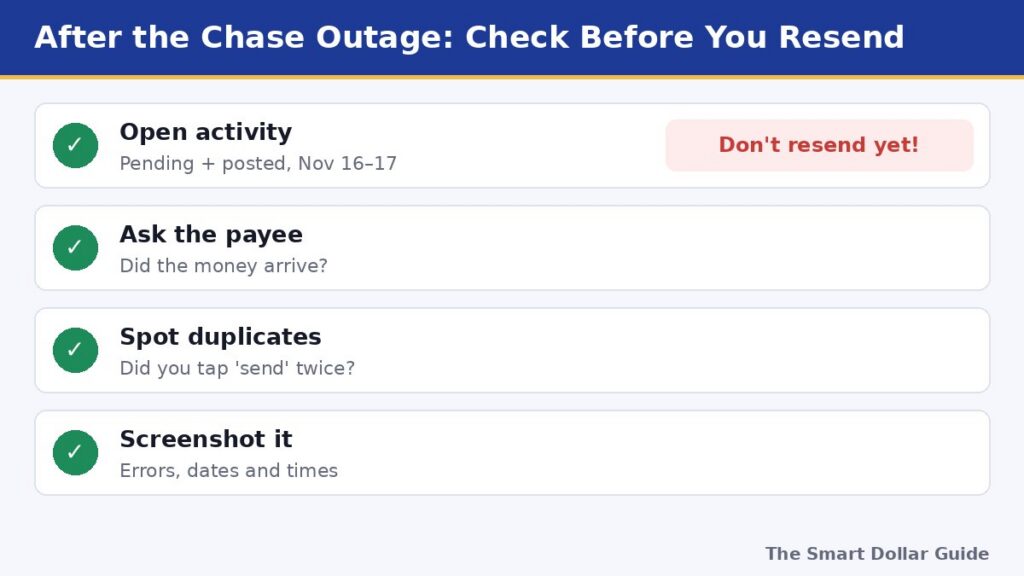
The most common mistake after a Chase outage is sending a payment twice. Before you retry anything:
- Open your account activity and look at both pending and posted transactions from November 16 and 17.
- Check the other side. Ask the person you paid, or log in to the biller’s site, to see if the money arrived.
- Look for duplicates. If you tapped “send” or “pay” more than once while the app was frozen, more than one payment may have gone through.
- Screenshot everything, including error messages, with the date and time visible. You’ll need this if you ask for a fee refund.
What to Do by Payment Type
Different payments behave differently after a Chase outage. Here’s what to do for each:
| Payment type | Likely status now | What to do |
|---|---|---|
| Zelle payment | Usually completed once systems recovered | Confirm with the recipient before resending; Zelle payments generally can’t be canceled once sent |
| Bill pay or autopay | May have posted a day late | Check the biller’s site; ask for a late fee waiver if it missed the due date |
| Paycheck or direct deposit | Should post once processing caught up | If it’s still missing, ask your employer for the trace number and give it to Chase |
| Debit card purchase | May show as pending twice | Duplicate pending holds often drop off in a few days; dispute if both post |
| Transfer to another bank | Could be delayed a business day | Track it on both banks’ apps; contact the receiving bank if it’s not there by day 2 |
| Rent or mortgage payment | May be marked late | Call your landlord or servicer now and explain; keep proof of the outage |
If your Zelle payment is missing
Zelle money normally arrives in minutes. If it still hasn’t shown up a day or two after the Chase outage, check that you used the right phone number or email, then call Chase. Don’t send it again until Chase confirms the first payment failed. Also, don’t trust strangers who say they “received your money by mistake” and ask you to send it back; that’s a common scam.
Step 2: Get Late Fees and Overdraft Fees Reversed
If a payment delayed by the Chase outage caused a late fee from a biller or an overdraft fee at your bank, ask for it back. Most companies will waive a fee caused by a widely reported bank outage, especially if you’re a customer with a good record.
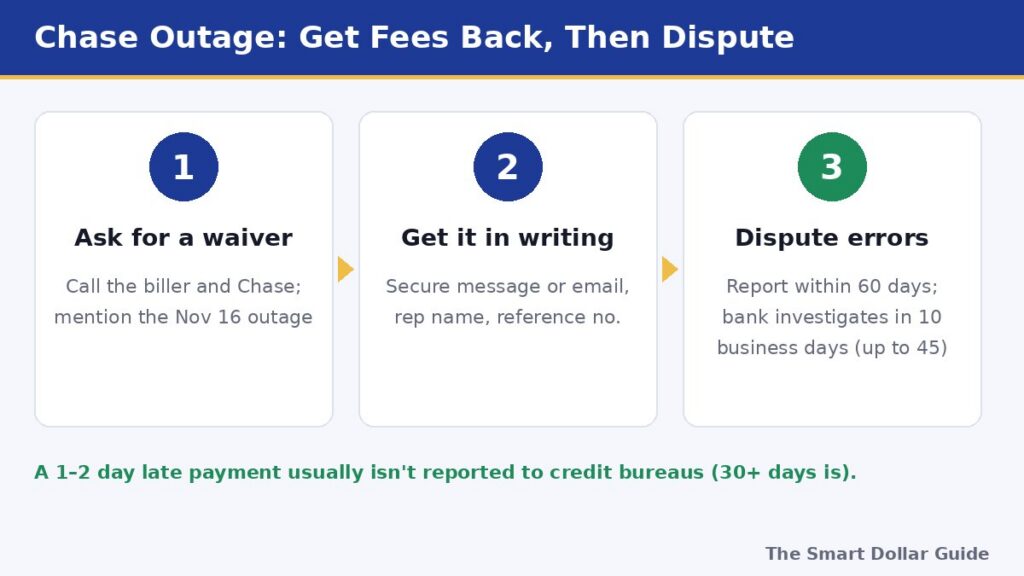
- Call or message the biller (credit card, utility, phone, landlord). Say: “My payment was delayed by the Chase outage on November 16. Can you waive the late fee?” Have your screenshot ready.
- Ask Chase about any overdraft or returned-payment fees that hit your account because deposits posted late. Note the date, the rep’s name and any reference number.
- Get it in writing. A secure message in the app or an email confirmation is better than a phone promise.
Chase hasn’t announced a blanket fee refund. If that changes, this post will be updated.
Will a late payment hurt your credit?
Almost certainly not. Lenders generally report a payment as late to the credit bureaus only once it’s 30 or more days past due. A payment that was a day or two late because of the Chase outage may bring a late fee, but it shouldn’t show up on your credit report if you pay right away. Learn more in our guide to boosting your credit score in 30 days.
Step 3: Dispute an Error If It Isn’t Fixed
If a payment from the day of the Chase outage is still missing, posted twice or shows the wrong amount, file an error claim. Federal rules under Regulation E protect electronic transfers like debit card purchases, direct deposits and bank transfers:
- You must report the error within 60 days after the statement showing it was sent to you.
- The bank generally must investigate within 10 business days. If it needs longer (up to 45 days), it usually must give you a provisional credit for the amount in the meantime.
- The bank must tell you the results and correct any error it finds.
Read the rule in plain detail on the Consumer Financial Protection Bureau’s website. If Chase doesn’t resolve a valid error, you can file a complaint with the CFPB.
Watch Out for Outage Scams
Scammers love bank outages because customers are already worried. In the days after a Chase outage, be careful with:
- Texts or calls saying your account is “locked” and asking you to verify your login
- Callers who ask for a one-time passcode; Chase won’t ask you to read one back
- Anyone telling you to move money to a “safe account” or send a Zelle payment to yourself
- Fake “refund” or “compensation” links
If in doubt, hang up and call the number on the back of your card. For more on spotting scams, see our stimulus check scam guide.
Build a Backup Plan for the Next Bank Outage
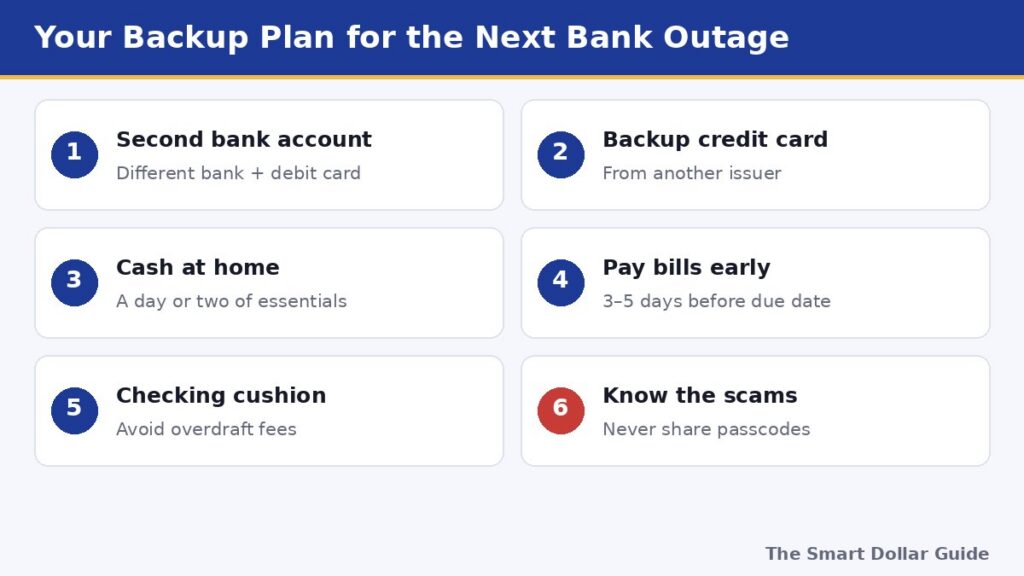
Every bank has outages, and they’re more common than most people think. A little planning keeps one Chase outage from becoming a missed rent payment:
- Keep a second account at a different bank, with a debit card and a few hundred dollars in it. A high-yield online account works well; see the best online banks for 2026.
- Carry a credit card from another bank so you can still buy groceries or gas.
- Keep some cash at home for a day or two of essentials.
- Don’t pay big bills on the due date. Schedule them three to five days early so a one-day delay doesn’t cost you.
- Keep a small cushion in checking to avoid overdrafts if a deposit posts late.
If repeated problems make you think about switching, compare options first in our Chase vs Capital One vs Wells Fargo comparison.
Final Thoughts
The November 16 Chase outage was fixed the same day, and most stuck payments should have gone through. Check your activity before resending anything, confirm with the people and companies you paid, ask for late or overdraft fees to be waived, and use your Regulation E rights if an error isn’t corrected. Then set up a second account and some cash so the next outage is just an inconvenience. For more money guides, visit our Personal Finance section.
Disclaimer: This article is for general information only and is not legal or financial advice. Outage details are based on news reports and Chase statements as of November 17, 2026, and may be updated. Contact Chase directly about your account.
Frequently Asked Questions
What caused the Chase outage on November 16, 2026?
Chase said a software bug in an on-premise hardware system slowed transaction processing. The bank said it was not cyber-related, and that transactions were posting normally again by about 6:30 p.m. ET.
Should I resend a payment that failed during the Chase outage?
Not until you’ve checked. Look at pending and posted transactions and ask the recipient or biller whether the money arrived. Resending too soon can mean paying twice, and Zelle payments generally can’t be canceled.
Will Chase refund late fees caused by the outage?
Chase hasn’t announced a blanket refund. Ask Chase about any overdraft fees, and ask each biller to waive late fees caused by the outage. Have a screenshot or date ready and get the waiver in writing.
Will a payment delayed by the outage hurt my credit score?
Usually not. Lenders generally report a payment as late to the credit bureaus only after it is 30 or more days past due.
How do I dispute a missing or duplicate transaction?
Report it to Chase within 60 days after the statement showing it. Under Regulation E, the bank generally must investigate within 10 business days, or up to 45 days with a provisional credit.
Were other banks affected by the Chase outage?
Some Bank of America, Wells Fargo and U.S. Bank customers saw delays on payments involving Chase accounts. Zelle said its own network was working normally.
Sources
- Al Jazeera – US bank outage: What caused Chase problems and Zelle payment delays? (Nov 17, 2026)
- Yahoo Finance – Chase says transactions back to normal after outage online and at some branches
- Tom's Guide – Chase outage live updates (Nov 16, 2026)
- CNN – Thousands of Chase Bank customers report trouble with online banking services
- CFPB – Regulation E § 1005.11 Procedures for resolving errors